Indoor Recording
- Available lighting
- White balance
- Exposure settings
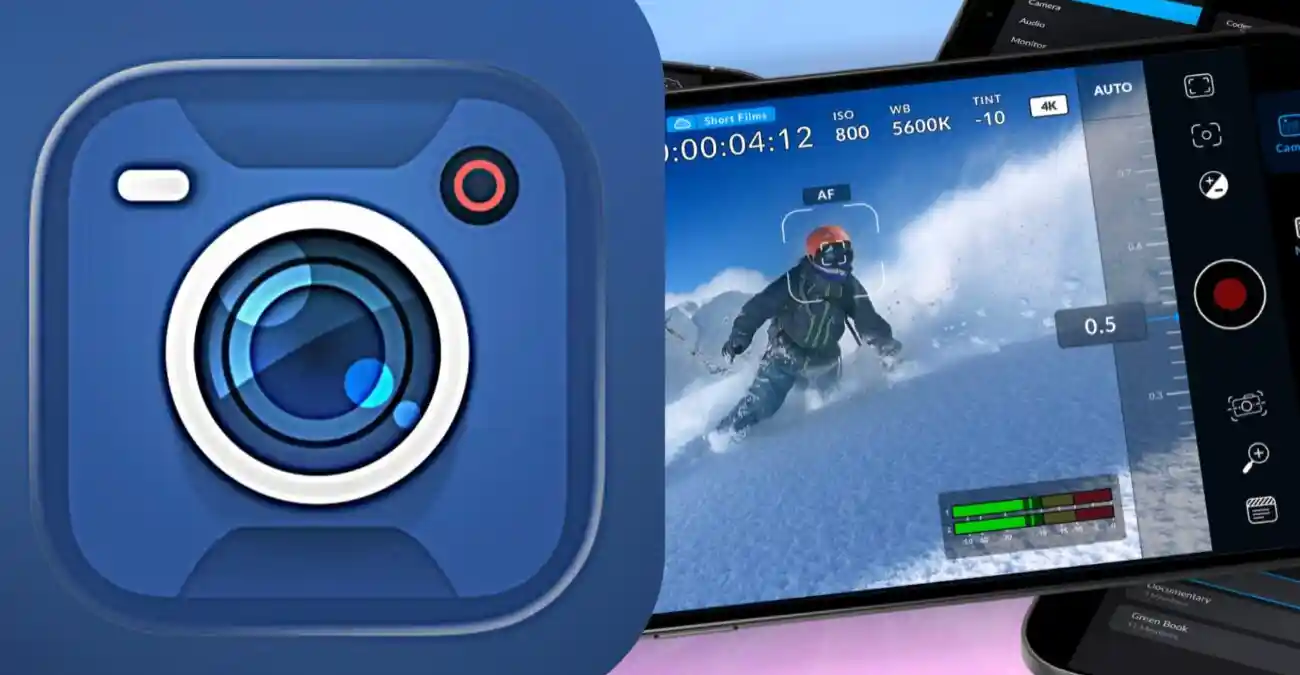
Learn how Black Magic Camera manual controls work, including ISO, shutter speed, focus, exposure, white balance, and professional recording adjustments.
Professional video recording requires more than pressing the record button. Creators need control over how the camera captures light, motion, focus, and color.
The Black Magic Camera manual controls provide a more advanced recording approach by allowing users to adjust important camera parameters according to different shooting conditions.
These adjustments create a more controlled mobile filmmaking workflow.
For understanding the complete feature set:
Manual control helps creators manage:
Automatic camera systems make quick decisions based on the environment, but professional creators often need more control over the final image.
This creates a more intentional recording process.
Manual controls allow users to decide:
ISO controls how the camera responds to available light.
A lower ISO value is generally useful in brighter environments, while higher ISO settings can help capture scenes with limited light.
Creators should balance ISO settings with lighting conditions to maintain better image quality.
Adjusting ISO affects:
Shutter speed determines how motion is captured during recording.
A suitable shutter speed helps creators achieve the desired visual style.
Different recording situations may require different shutter adjustments.
It influences:
Exposure management combines multiple camera elements to control image brightness.
Proper exposure helps preserve:
Important exposure factors include:
Focus determines which parts of the scene appear sharp.
This is especially useful when recording planned shots where precise focus is required.
Manual focus control helps creators manage:
This approach helps maintain consistent image quality.
A professional focus workflow involves:
Identifying the main subject
Checking scene composition
Adjusting focus accuracy
Monitoring results during recording
White balance controls how colors appear under different lighting conditions.
Different environments may require different white balance settings.
Adjusting white balance helps maintain:
Frame rate selection works together with manual camera adjustments.
Creators can combine frame rate choices with exposure settings to achieve specific visual results.
For detailed recording settings:
It influences:
Different environments require different adjustments.
Manual controls become more effective when combined with proper planning.
This creates a more organized production process.
A professional workflow includes:
Preparing the scene
Selecting camera settings
Adjusting exposure and focus
Recording footage
Reviewing results
Manual controls give creators more freedom over visual storytelling.
This makes smartphone filmmaking more flexible and creative.
They help manage:
The application provides control, while hardware determines the technical limits.
Manual controls improve flexibility, but results still depend on:
Manual controls include exposure adjustments, focus management, camera settings, and recording options.
Yes, ISO control is part of professional camera adjustment workflows.
They allow creators to make deliberate decisions about image appearance, motion, and recording quality.
Manual controls improve control over recording, but final quality also depends on smartphone hardware and shooting conditions.
Black Magic Camera manual controls provide creators with a professional approach to smartphone video recording.
By managing ISO, shutter speed, focus, exposure, and white balance, users can capture footage with greater consistency and creative control.
Download Black Magic Camera APK