

Blackmagic Cloud Guide: Sync and Share Your Footage
How Blackmagic Cloud works with Black Magic Camera: syncing clips from your phone, sharing projects with editors, and keeping original footage safe while you travel.
Explore guides on downloading and installing Black Magic Camera, Android compatibility, features, manual controls, video settings, cinematic filming, LUTs, Blackmagic Cloud, audio, lighting, stabilization, editing and grading workflows, exporting, troubleshooting and more.
How Blackmagic Cloud works with Black Magic Camera: syncing clips from your phone, sharing projects with editors, and keeping original footage safe while you travel.
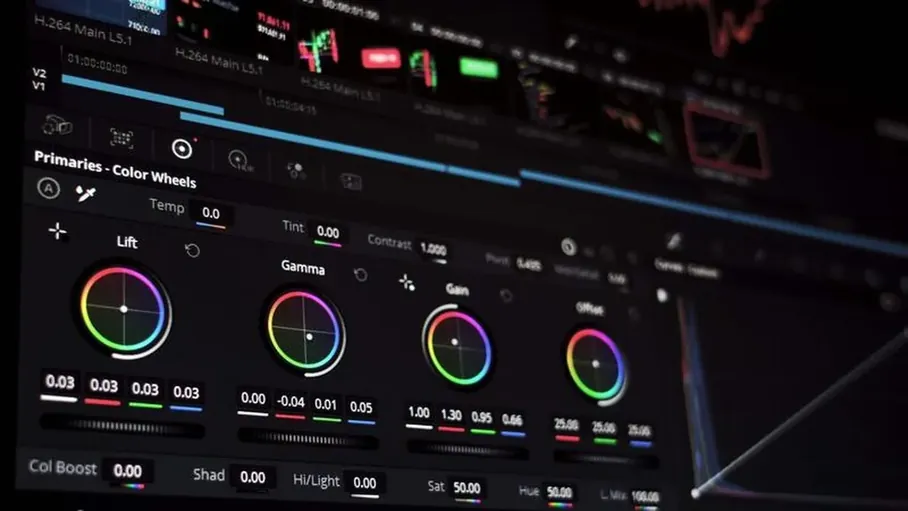
How LUTs work in Black Magic Camera: what a LUT does, monitoring with a look applied, recording clean footage, and building a small library of looks you trust.
Choose the right frame rate in Black Magic Camera: what 24, 25, 30 and 60 fps each look like, shutter rules that keep motion natural, and matching rates to your project.
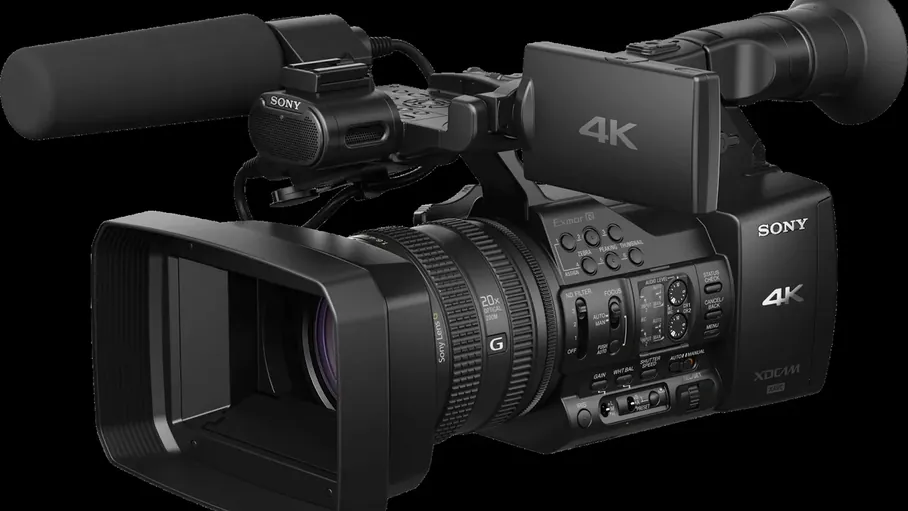
Choosing resolution in Black Magic Camera: what HD, 4K and higher resolutions really change, the storage and heat costs, and matching resolution to your delivery.
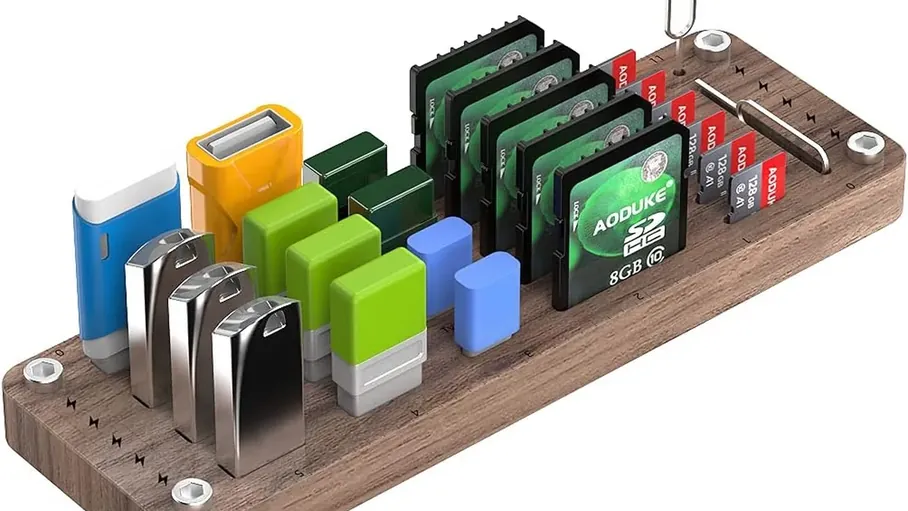
Manage storage for Black Magic Camera: how fast professional video fills a phone, planning space per shoot, offloading habits, and keeping masters organised and safe.
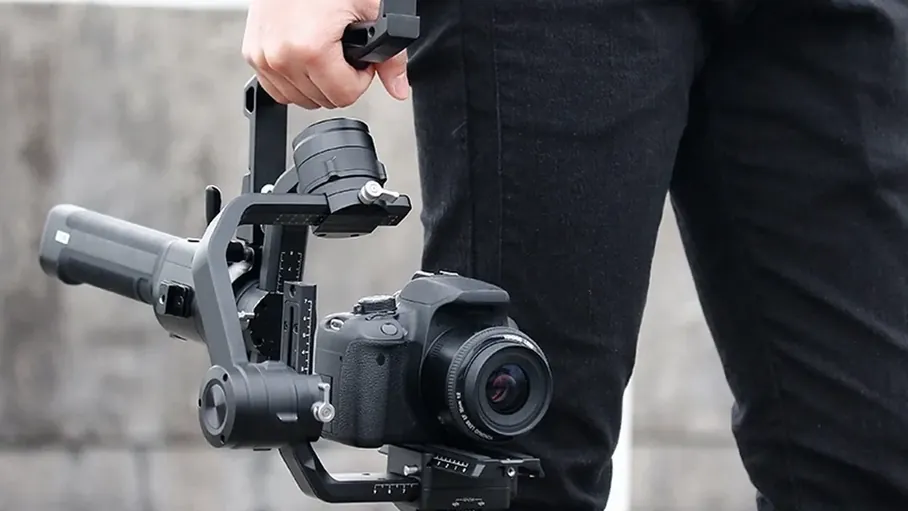
Stabilize Black Magic Camera footage properly: what in-app stabilization can and cannot do, gimbal technique, walking shots, and habits for smooth professional movement.
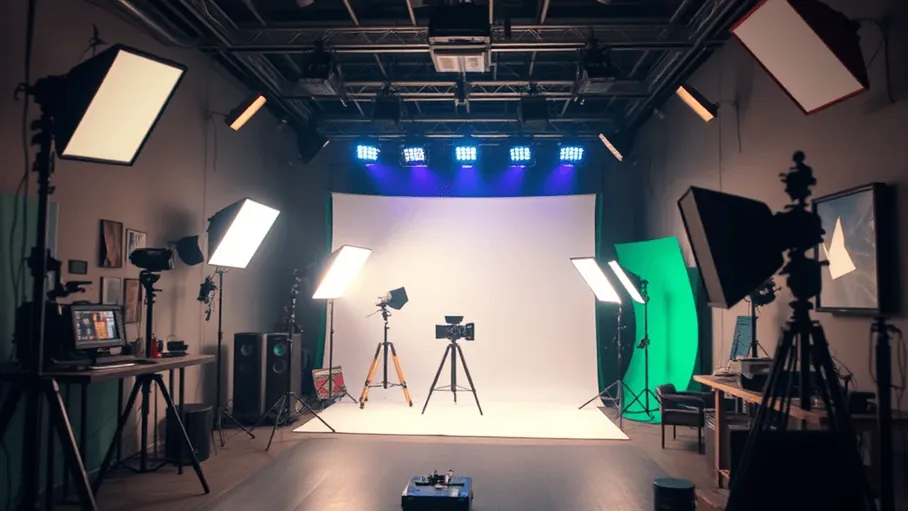
Lighting for Black Magic Camera filming: using windows and practical lights, direction and softness, colour temperature discipline, and a simple kit that lifts any scene.
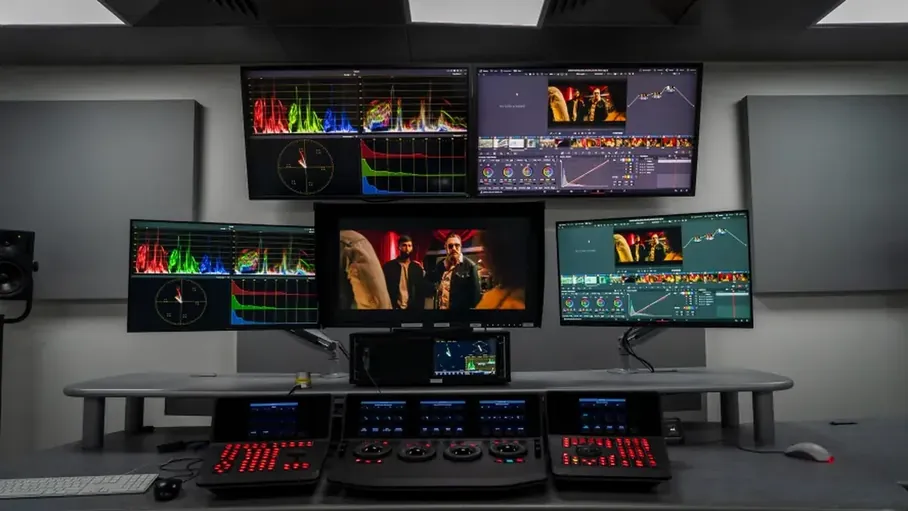
Grade Black Magic Camera footage in DaVinci Resolve: importing phone projects, a simple node workflow, matching clips, and exporting a finished look without overcooking it.
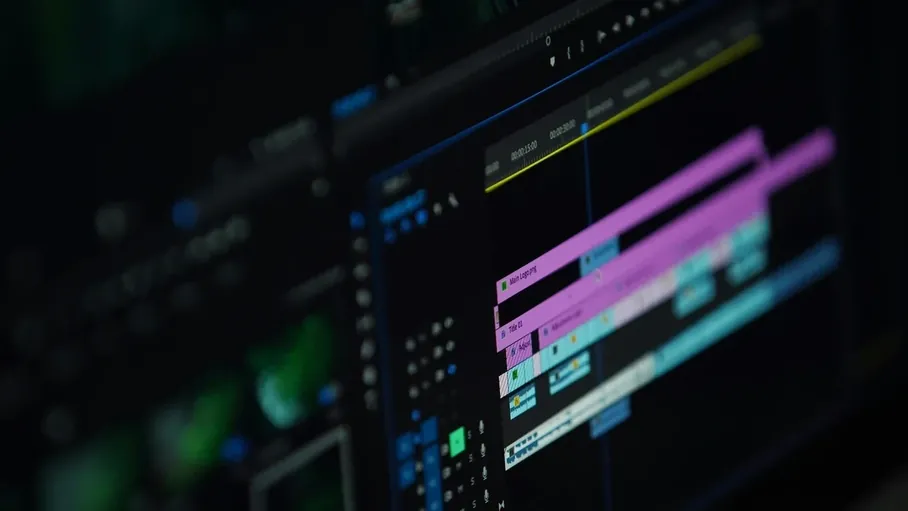
Export finished videos from your Black Magic Camera workflow correctly: matching resolution and frame rate to each platform, avoiding quality loss, and checking files before publishing.
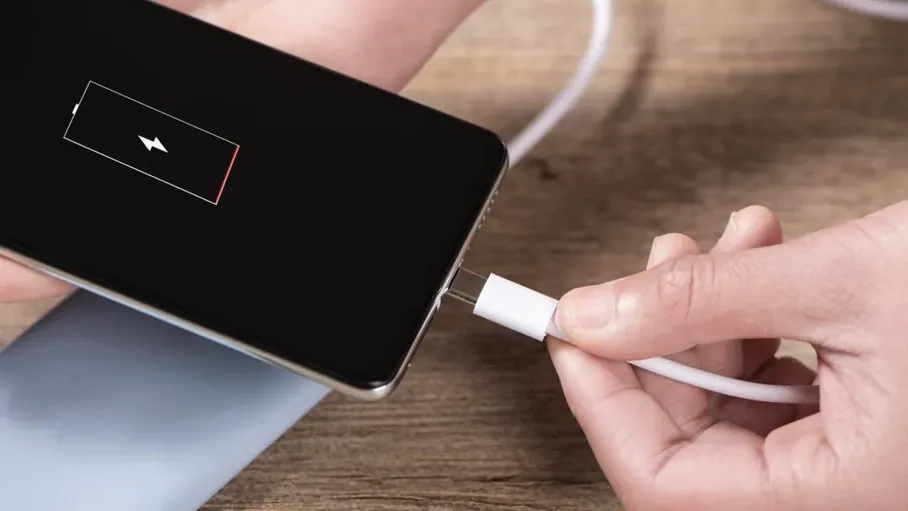
Keep Black Magic Camera running through long shoots: why recording drains battery and heats the phone, and the power, shade and settings habits that prevent shutdowns.
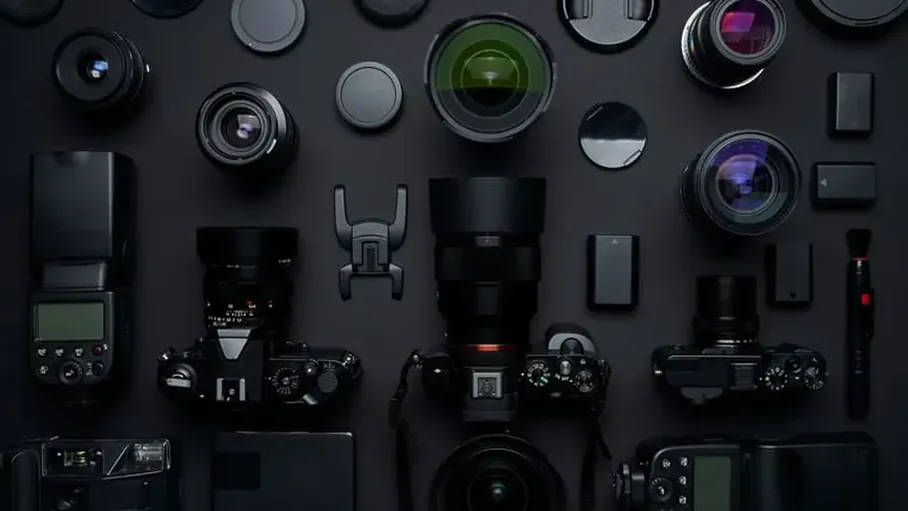
Accessories for Black Magic Camera filming, ranked by usefulness: mounts, cages, microphones, lights and lenses, with honest advice on what to skip.
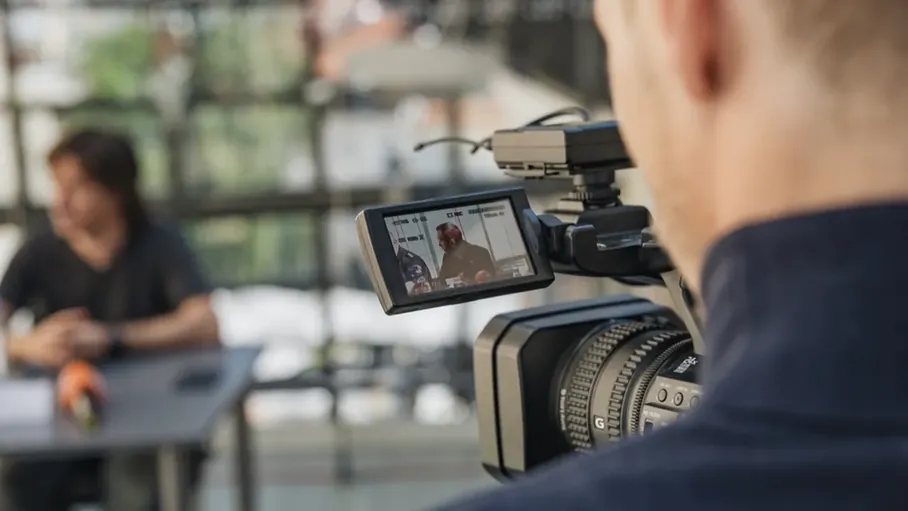
Film professional interviews with Black Magic Camera: framing, eye lines, lighting a face, capturing clean audio, and the questions setup that relaxes your subject.
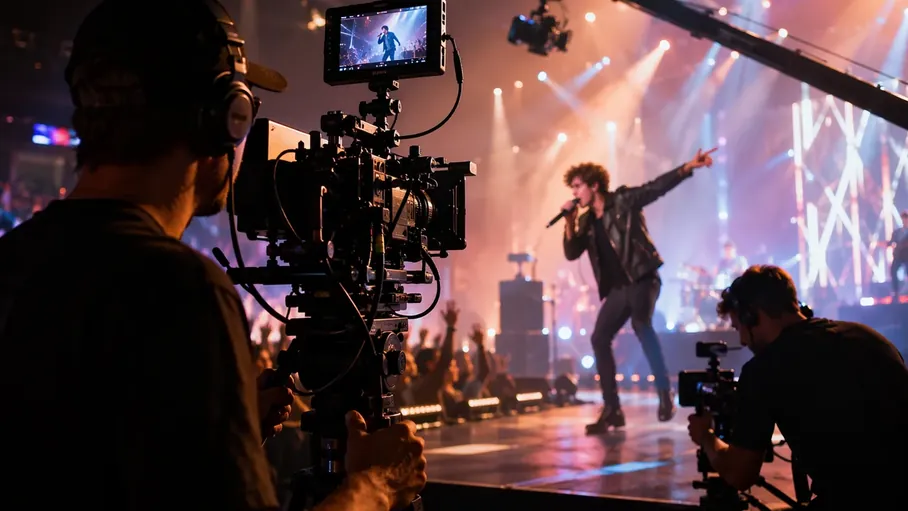
Plan and shoot a music video with Black Magic Camera: performance and playback discipline, coverage, lighting for mood, and editing rhythm that makes phone footage feel big.
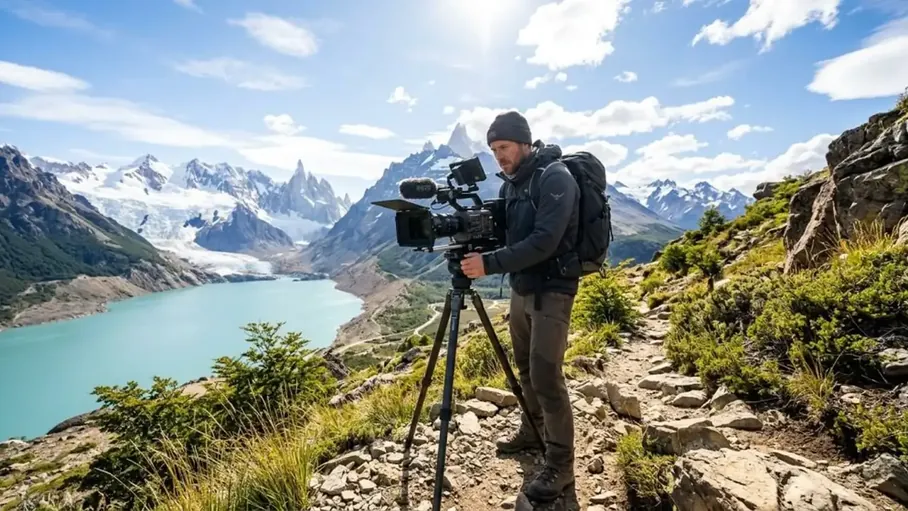
Film your travels with Black Magic Camera: the minimal kit, daily shooting habits, power and storage discipline on the road, and storytelling that survives coming home.
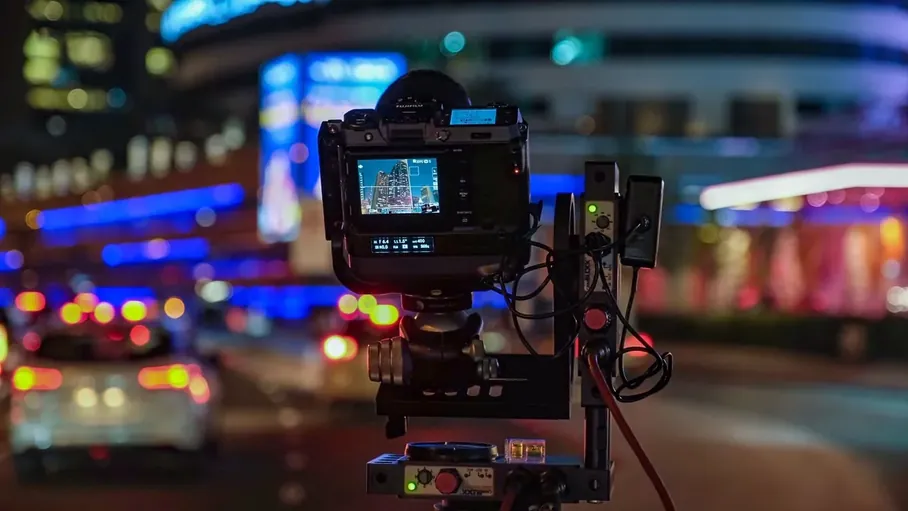
Low light filming with Black Magic Camera: finding and shaping scarce light, honest exposure choices, noise expectations, and night scenes that look intentional.
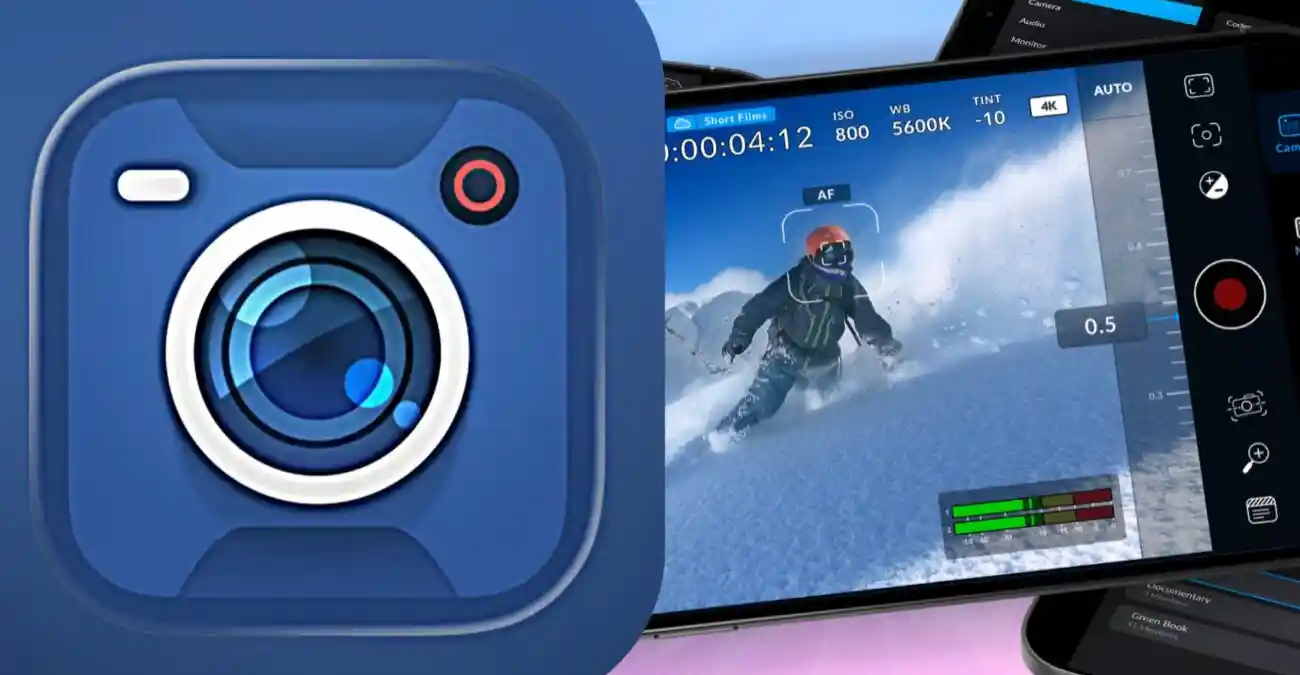
Learn how to download Black Magic Camera, install the app, check requirements, prepare your device, and start professional mobile video recording.
Learn about Black Magic Camera Android compatibility, smartphone requirements, hardware support, performance factors, and device preparation for professional video recording.
Explore Black Magic Camera features including manual controls, video tools, monitoring options, cinematic recording capabilities, and professional mobile filmmaking functions.
Learn how Black Magic Camera manual controls work, including ISO, shutter speed, focus, exposure, white balance, and professional recording adjustments.
Learn about Black Magic Camera video settings, including resolution, frame rate, recording options, video quality adjustments, and professional recording workflow.
Learn how Black Magic Camera supports cinematic video creation, mobile filmmaking techniques, recording workflow, camera movement, and professional storytelling.
Learn about Black Magic Camera audio recording, microphone support, sound management, external audio setup, and professional video production workflow.
Learn how Black Magic Camera fits into professional editing workflows, including footage management, color adjustments, video processing, and mobile filmmaking production.
Learn how to solve common Black Magic Camera problems including installation issues, recording errors, performance limitations, camera access problems, and setup difficulties.
Explore Black Magic Camera alternatives, similar professional camera applications, mobile filmmaking tools, and factors to consider when choosing a camera app.
Explore Black Magic Camera user experience, interface design, recording workflow, creator usability, and how the app supports professional mobile filmmaking.
Learn about Black Magic Camera privacy, app permissions, security considerations, camera access, microphone usage, and safe mobile recording practices.
Discover how Black Magic Camera helps content creators produce professional videos with advanced recording controls, cinematic workflows, and mobile filmmaking features.
Learn how Black Magic Camera supports filmmakers with mobile cinematography, professional recording workflows, cinematic techniques, and creative video production.
Learn how Black Magic Camera supports professional video production workflows, including planning, recording, file management, editing, and final content creation.